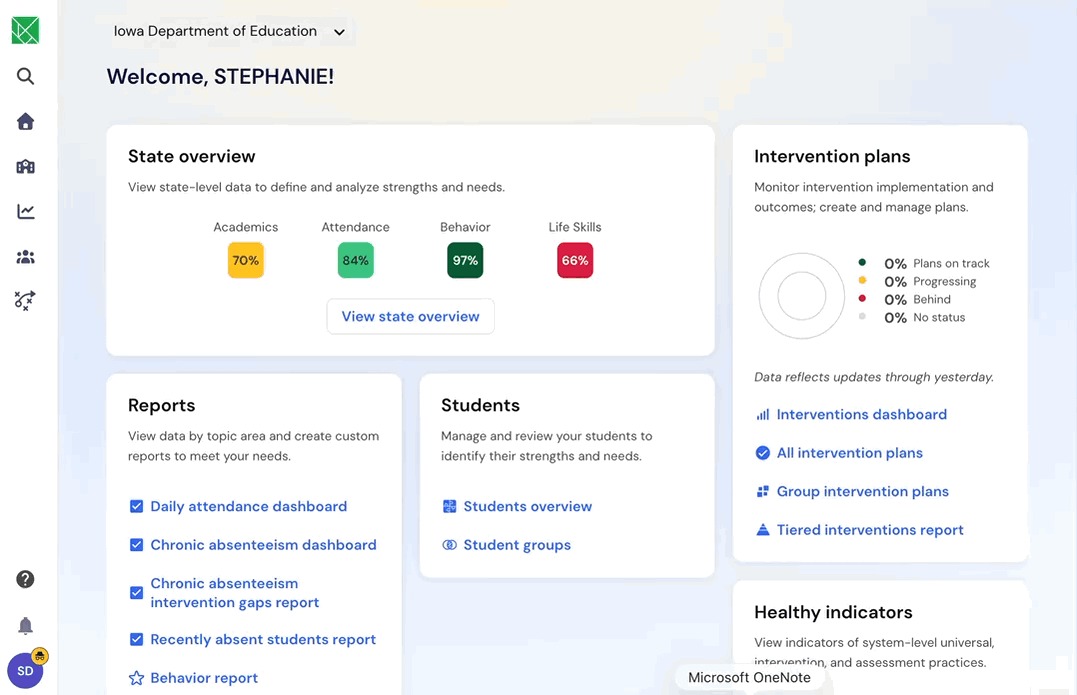
Special navigation for districts who purchase Solara or Survey
Last updated: October 21, 2026
Districts with Solara
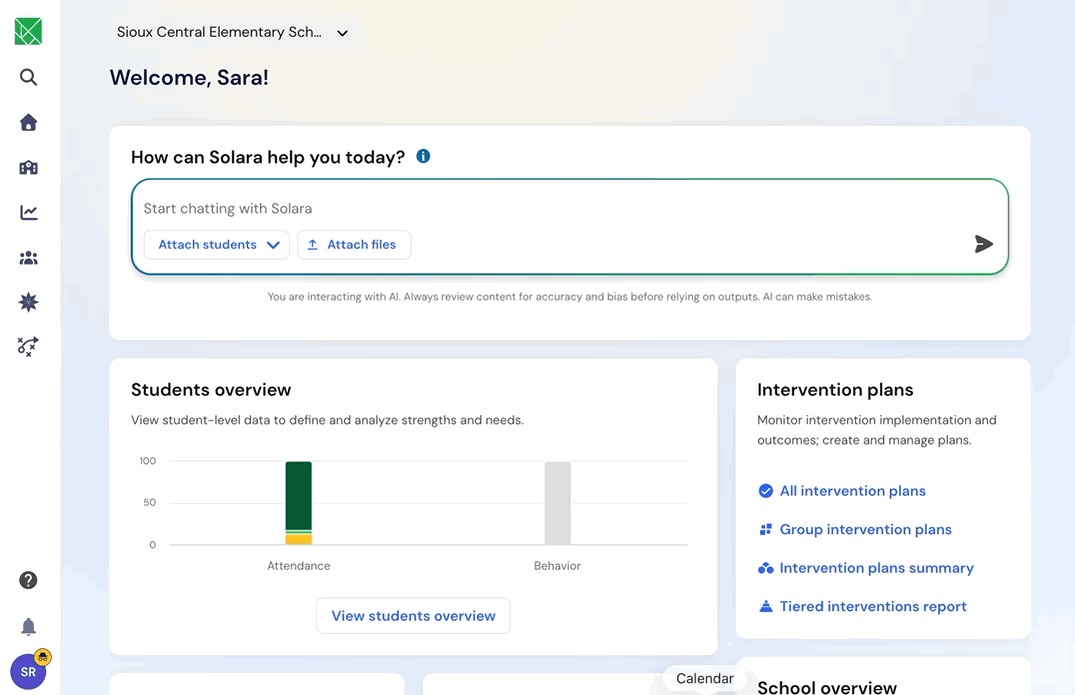
Solara is available directly in your Panorama Student Success platform! Here's how to begin chatting with Solara:
Begin chatting directly in the Solara box on your homepage
Click the Solara Icon in the navigation bar on the left side of your screen and select ‘New Solara Chat’
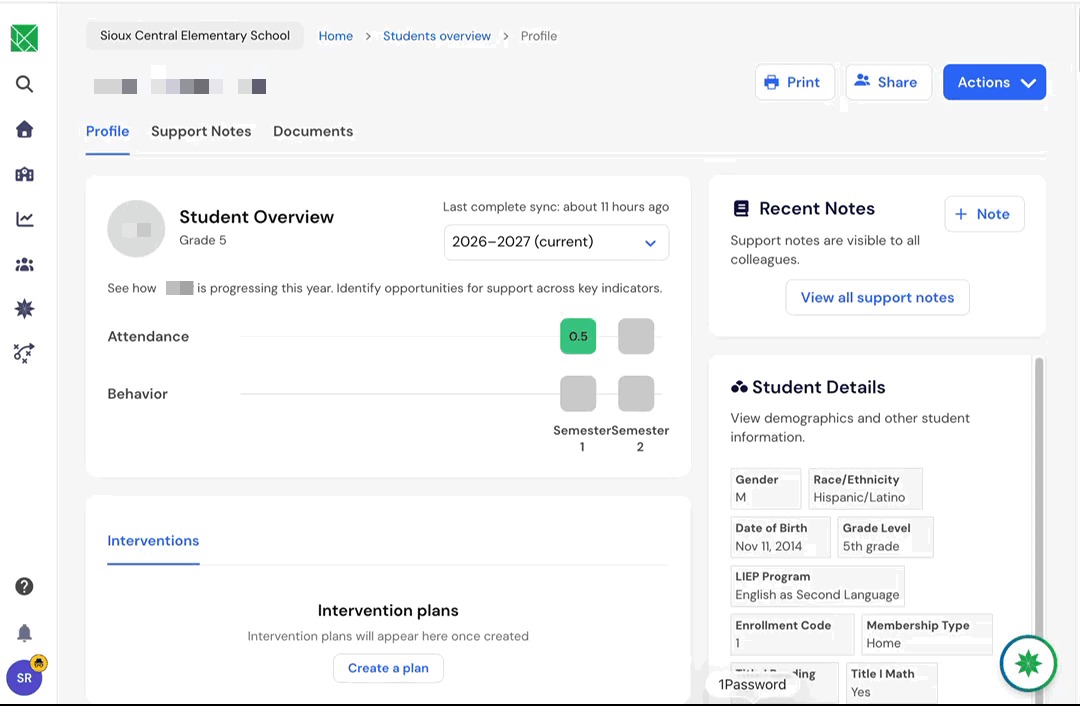
On a student’s profile, click the Solara bubble in the bottom right corner of the screen.
Districts with Surveys
You can seamlessly navigate between Iowa Student Success and your Panorama Surveys:
In the left-hand side bar, click the the green tangram icon.
Under ‘Select an organization’, click the name of your district to see survey results. To see Student Success, click Iowa Department of Education.